| Step 1 | Attach Mounting Bracket Around Body of Drone | Carefully slide the PRS-M4EX mounting bracket backward over the Drone's frame until the front of the bracket is flush with the drone. | |
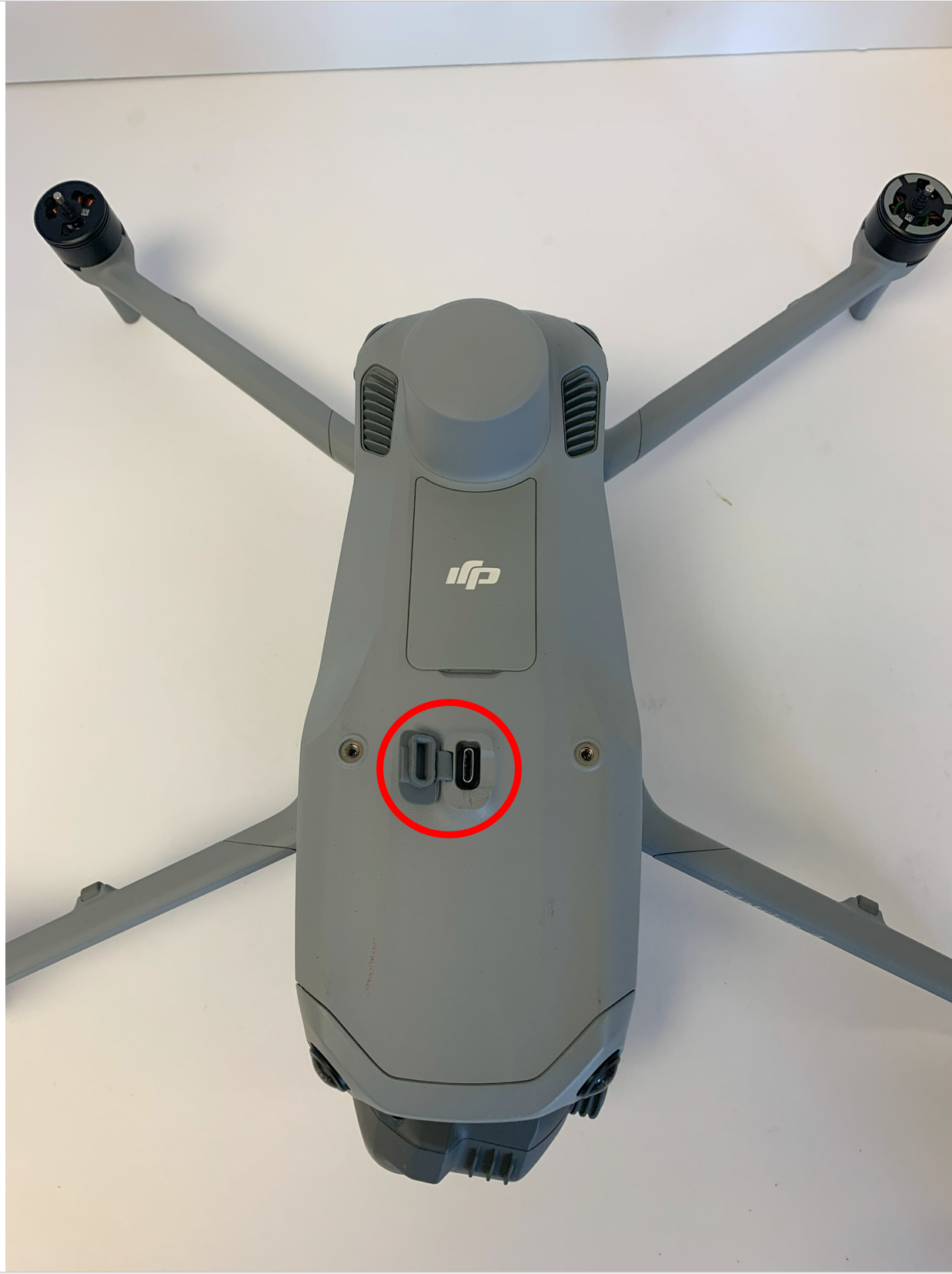
| Step 2 | Push PRS USB Connector Into Forward USB Port | Place the PRS on top of the mounting bracket and apply gentle downward pressure to the PRS-M4EX to lower the attached USB connector onto the USB port. | |
| Step 3 | Install Mounting Screws to the Drone | The PRS-M4EX includes M3 x 12 mm screws (QTY 4) to secure the PRS-M4EX to the Drone. Insert these screws into the mounting holes shown at right and tighten until the PRS is securely fastened. Tighten the back screws before tightening the front screws on the mounting bracket. | |
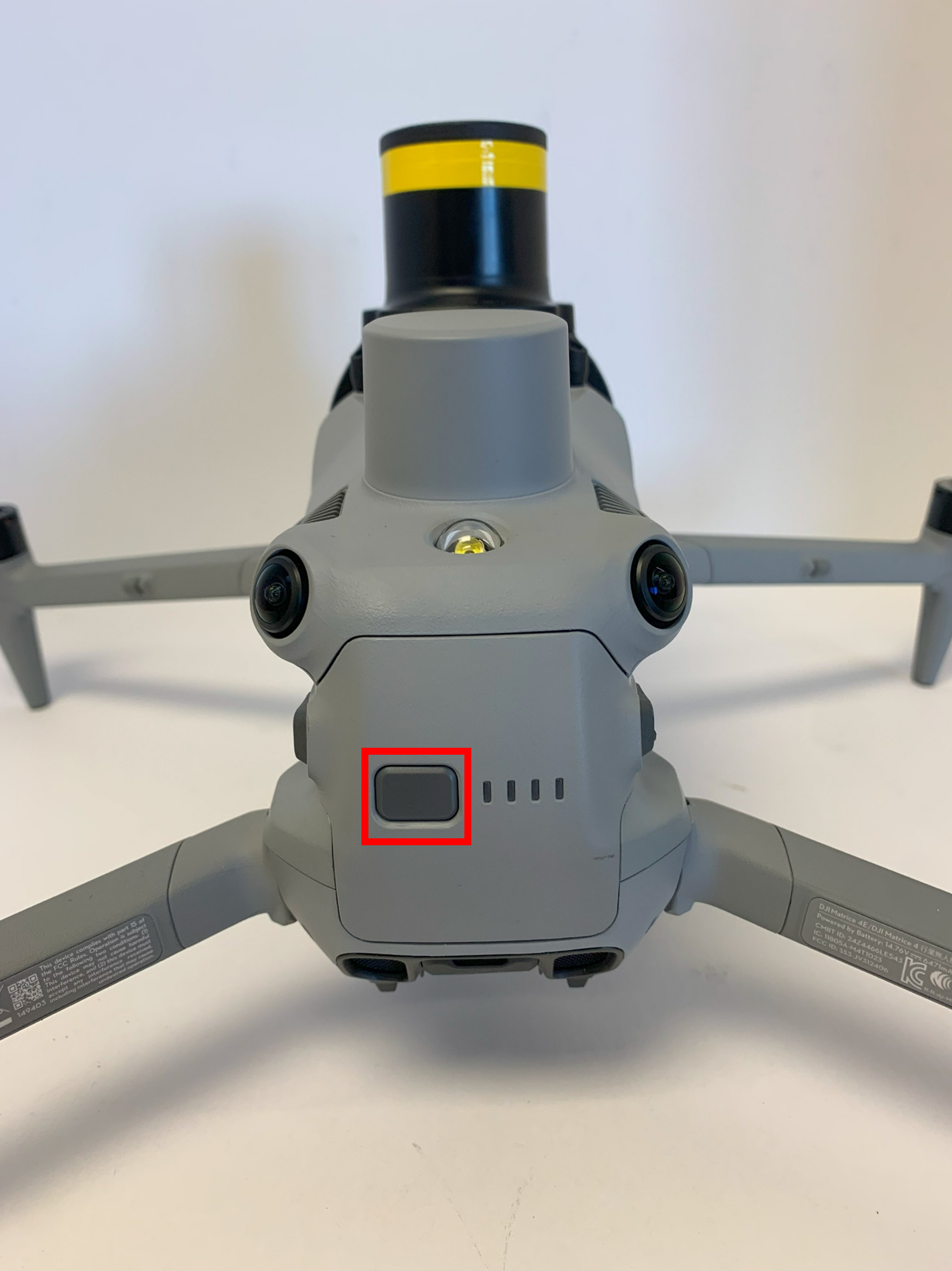
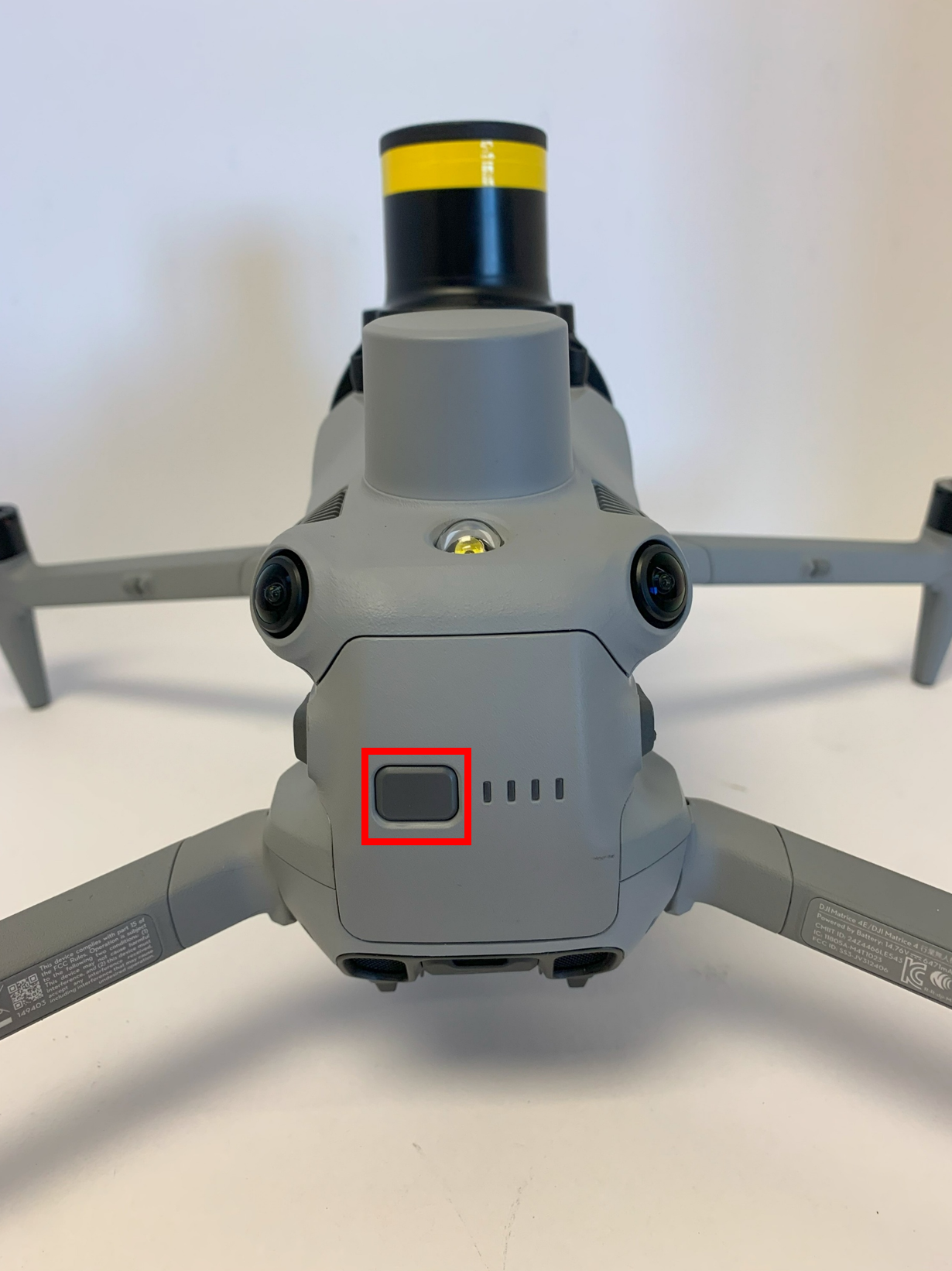
| Step 4 | Power On Drone/PRS | To turn on the PRS-M4EX, you will need to turn on the Drone. | |
| Step 5 | Check System Status | Check for the PRS system status on the Drone transmitter. This will be indicated by the PSDK symbol on the right-hand side of the transmitter's screen when in the camera view. |  |
| Step 6 | Power Off Drone/PRS | Power off the Drone. The PRS-M4EX will take up to five (5) seconds for the LED to turn off, once the LED is off the PRS is safe to approach. Do not unplug or move the Drone or PRS-M4EX until the PRS-M4EX is turned off. | |